12 Tips for Creating Password Security
Let me ask you this: how many online accounts do you have? And how many passwords do you have? Was it the same? If you're like 66% of Americans surveyed in Security.org's annual security report from 2021, you reuse passwords across accounts.
Another question: do you share your Netflix or Disney+ passwords? You're not alone: 1 in 3 Americans share passwords, up from 25% in 2020.
Considering how computerized our world has become, it's critical to make sure all of our accounts are safe online. You can do this by using a secure password. We’ve included a poster you can download to share with your friends, family, and colleagues at the end of the post.
How can your password be compromised?
We'll start with how passwords get hacked. Hackers use three main methods to get your account info: brute force attacks, dictionary attacks, and phishing. Let's take a closer look at them.
Brute Force Attack
Brute force attacks guess your password by trial and error. Hackers try all combinations in hopes that one of them will work. In these attacks, they use brute force to forcefully gain access to their accounts. The advances in computer software make things easier not just for us, but also for hackers. One hacker made a 25-GPU cluster that can do 350 billion guesses per second, cracking any eight-character, uppercase and lowercase, number, or symbol password in less than six hours. It's easy to brute force anything under 12 characters.
Dictionary Attack
Dictionary attacks are what they sound like: a hacker uses every word in a dictionary to crack your password. You may be vulnerable to dictionary attacks if your password is a real word. You'll find common passwords like "password" or "abc123" in these hacker dictionaries. In fact, these were the top five hacked passwords:
123456, with 23.2 million users
123456789, with 7.7 million users
Qwerty, with 3.8 million users
Password, with 3.6 million users
1111111, with 3.1 million users
Phishing
Phishing is a social engineering attack to steal your personal info. An attacker could be looking for anything from passwords to credit card info. Phishing can take many forms. Email phishing is probably the most common. In email phishing, the attacker sends thousands of emails designed to look like they're from a legitimate company. For the attacker to succeed, they just need one of these thousands to click the link or open the attachment. It's common for an attacker to make it seem as if there's a deadline to make the victim be less diligent than they usually are.
Another type of phishing is called Spear Phishing. It's an attack on one specific person or group, not a bunch of random people. A spear phishing attack requires knowledge of the organization's power structure. With spear phishing, the attacker sends a message with a subject line and a link that is appropriate to the target, posing as someone with authority or who would work with the victim. Someone might spoof an invoice and send it to a project manager posing as the marketing director. If the project manager clicks on the link and logs in to view the invoice, the attacker now has their login information to access the organization's systems.
Whale phishing looks much like spear phishing, but the target is typically someone in the C-suite or a wealthy, powerful person.
Recent Password Hacks
Your company's IT department asks you to change your password so often, so why is that? Although it's annoying to have to come up with new passwords, let me give you some recent hacking statistics to explain why strong passwords are so imperative.
Microsoft
Hafnium, a Chinese hacking group, attacked Microsoft in March 2021. Over a hundred thousand on-premises servers running Microsoft Exchange were attacked across the United States, affecting both local governments and government agencies as well as corporations, and exposing their email communications. What happened? Hafnium exploited a vulnerability in Exchange using stolen passwords.
Verkada
Also in March 2021, Verkada, a security company, was attacked by hackers who got access to their clients' data, including over 5,000 security cameras that showed inside hospitals, jails, schools, Equinox gyms, and Tesla factories and warehouses. In eight cases, access control credentials were compromised, and another eight had wi-fi vulnerabilities. This was possible thanks to a misconfigured customer support server that posted an admin password online.
New York City Law Department
One employee's password was stolen in June 2021, giving hackers access to the NYC Law Department. Attackers got their hands on thousands of city employees' personal data, evidence of police misconduct, medical records for plaintiffs, and a list of children charged with serious crimes. Additionally, attorneys couldn't remotely access electronic files for weeks after the incident, causing major delays. All this could have been avoided if the NYC Law Department had implemented multifactor authentication as directed by the NY Cyber Command in 2019.
Tips for a Secure Password
How can you keep your personal or business accounts from getting hacked? Here are 12 tips for creating a secure password.
Make your password a minimum of 10 characters long. Attackers will have a hard time cracking it if your password's long. Often security officials will recommend a passphrase instead of a password. An example passphrase is EverybodyLovesTacos.
Make it a mix of letters, numbers, and special characters. It'll be harder for an attacker to brute force break it if you mix up letters, numbers, and special characters. Make sure you use both upper and lower case letters, but don't make the first letter upper case!
But avoid common substitutions! Password cracking software know the common substitutions. DOORBELL or D00R8377 will be cracked with the same ease by hackers. Instead of substituting, use a random placement of numbers and letters.
Don’t use real words. Easy to remember passwords are easy to guess. Security experts recommend not using words that can be found in a dictionary, in any language. As mentioned above, a random string of numbers, letters, and symbols is best. While I’m at it, avoid using sequential letters and numbers like “abcdef” or “abc123”
Don’t use obvious information. Avoid using birthdays or anniversary dates of your kids/spouse/you. Keep pet names and favorite teams out of it, especially if your desk/office is decorated with Astros gear.
Use a different password for every account. Stop recycling them! If you reuse your password across multiple accounts, and one gets compromised, the rest are too. Although it might not seem that big a deal if your Instagram account is hacked, if you use the same password for your bank account, your bank account is now vulnerable.
Use password generators and checkers. Can't come up with enough strong passwords? Use a password generator. This feature is built in to Microsoft authenticator (see #9 below). Additionally, there are reputable online generators like Norton and Avast. Use password strength checkers to make sure your password's strong. Microsoft’s Password Strength Checker is free to download from the Microsoft store. For my Apple users, you can test your password strength using the Security Framework built in Password Assistant.
Change it often! I once heard passwords are like underwear, you should change them often. Most security experts recommend changing your password every three months. But you don't want to change it that often. So if you forget your password...
Use a password manager. It's easy to manage all your passwords with password managers like LastPass, 1Password, and DashLane. In fact, you can use them to sync data across multiple platforms and fill out forms automatically. Many password managers also come with a password generator. In place of 100+ passwords, you have one master password, sometimes a pin or even your fingerprint, to unlock the manager and autofill password fields.
Use MFA (multi-factor authentication) whenever possible. We like things simple, but sometimes making things more complicated is the smart move. A simple extra step to implement multi-factor authentication (MFA) can help stop a lot of hacking attacks. MFA requires you to enter a code from an application such as Google Authenticator or that was texted to your phone or approve a log-in, like Microsoft Authenticator. Sites like Facebook, Google, and banks offer it, but you have to enable it. It's extra work, but it's usually enough to get hackers to look for another target.
Don’t enter your passwords on public Wi-fi. Whenever you enter your information into a site while connected to an unsecure site, it may be intercepted. You should use a VPN (virtual private network) if you are going to use public wi-fi. The VPN will encrypt all your traffic, including your passwords, while on the public Wi-Fi.
Regularly check if your passwords have been compromised. Checking to see if your information was involved in a breach can help you stay ahead of cybercriminals. You can use sites like "Have I Been Pwned?" to find out if your email address and phone number have been compromised in a data breach. Google's in-suite security will monitor your passwords and info for breaches and tell you when one is compromised.
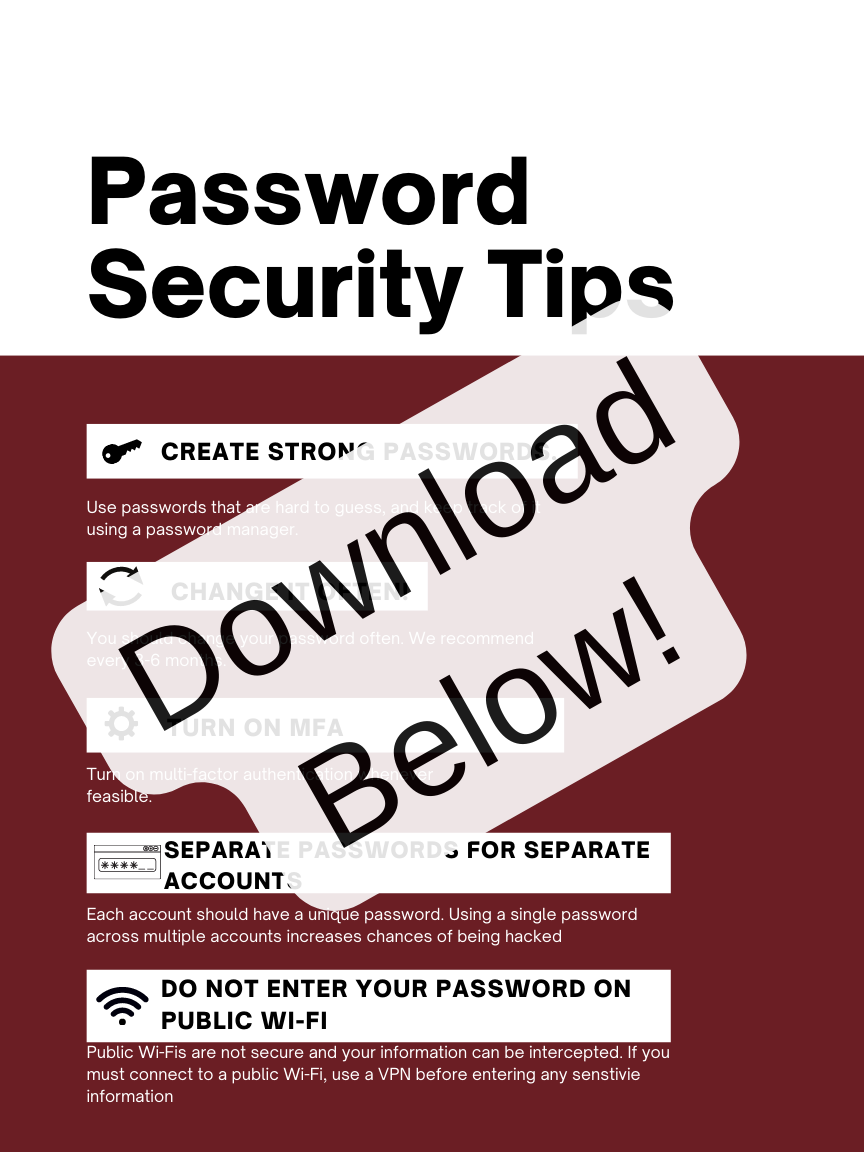
Do you follow these 12 password tips already? What ones do you plan to implement if not? Let us know!
Have a security topic you want to hear about, send us an email: consult@tracy-consulting.com with “The Vault Topic Idea” in the subject line and we may just cover it.